




















Private, on-device dictation for Mac and iPhone

Outspoken. Say it loud. Keep it private.

Professional voice dictation, made easy.
On your device — private. No cloud, no uploads.

On Mac, hold a hotkey. On iPhone, hold the mic or use the Outspoken keyboard. Your voice becomes clean text locally, wherever you write.

Download for macOS

macOS 14+ · Apple silicon · iPhone on iOS 17+ · no account

The film · 0:58

Everything that matters, in one minute.

What Outspoken does, why your voice never leaves your Mac — and how it works in every app.

0:00 / 0:58

Subtitles: English · sound recommended

  • on-device transcription
  • works offline
  • Swiss German
  • made in Switzerland

works everywhere you type

six films · four languages

Watch it type.

raw in · polished out

Say it messy.
It lands clean.

Fillers dropped. Grammar fixed — by your local model.

01The flow

Press, speak, release.

No app to open, no window to switch to. Outspoken lives behind a hotkey and types where your cursor already is.

  1. 1

    Hold the hotkey

    Anywhere, in any app. A small overlay appears at the bottom of your screen.

  2. 2

    Speak naturally

    Ums, false starts, mid-sentence pivots — say it the way you'd say it out loud.

  3. 3

    Release

    Speech recognition runs on your device. Then the local AI tidies grammar, punctuation, and formatting.

  4. 4

    Text lands in place

    No copying, no pasting — you just keep working.

1
right ⌘

Hold the hotkey

Anywhere, in any app. A small overlay appears at the bottom of your screen.

2

Speak naturally

Ums, false starts, mid-sentence pivots — say it the way you'd say it out loud.

3
~0.1–0.3 s to text with the model warm (Small · measured on M-series) · AI rewrite +0.3–0.5 s (optional)

Release

Speech recognition runs on your device. Then the local AI tidies grammar, punctuation, and formatting.

4
Could we move the retro

Text lands in place

No copying, no pasting — you just keep working.

02Privacy model

All local — by design, not as an option.

There is no Outspoken cloud.

  1. Recording and speech recognition run inside the app.
  2. If you turn on rewriting, the built-in AI processes the transcript — a helper process of the app that is reachable only on your Mac (127.0.0.1).
  3. Any other address is refused, redirects included.
  4. The one exception: you enter your own server yourself — one host, spelled out by you, off by default.
  5. Otherwise the app goes online for three things only: model downloads you start yourself (from our model server or Hugging Face, checksum-verified), the update check and licensing — never your audio, never your texts.
  6. Every connection is listed in Settings › Privacy › Network log (the last 10).

Where your data actually lives

audio
Processed in memory. Never written to disk, never uploaded.
transcripts
Saved only if you turn on History — plain local files under ~/Library/Application Support/Outspoken/.
dictionary & snippets
One local JSON file. Edit it by hand, version it, back it up.
rewrite prompts
Stay on your Mac: rewriting is off by default; switched on, the built-in AI does the work. They go to your own server only if you enter one yourself.
account
None. Download, drag to Applications, talk.

03Use cases

Made for work that has to stay confidential.

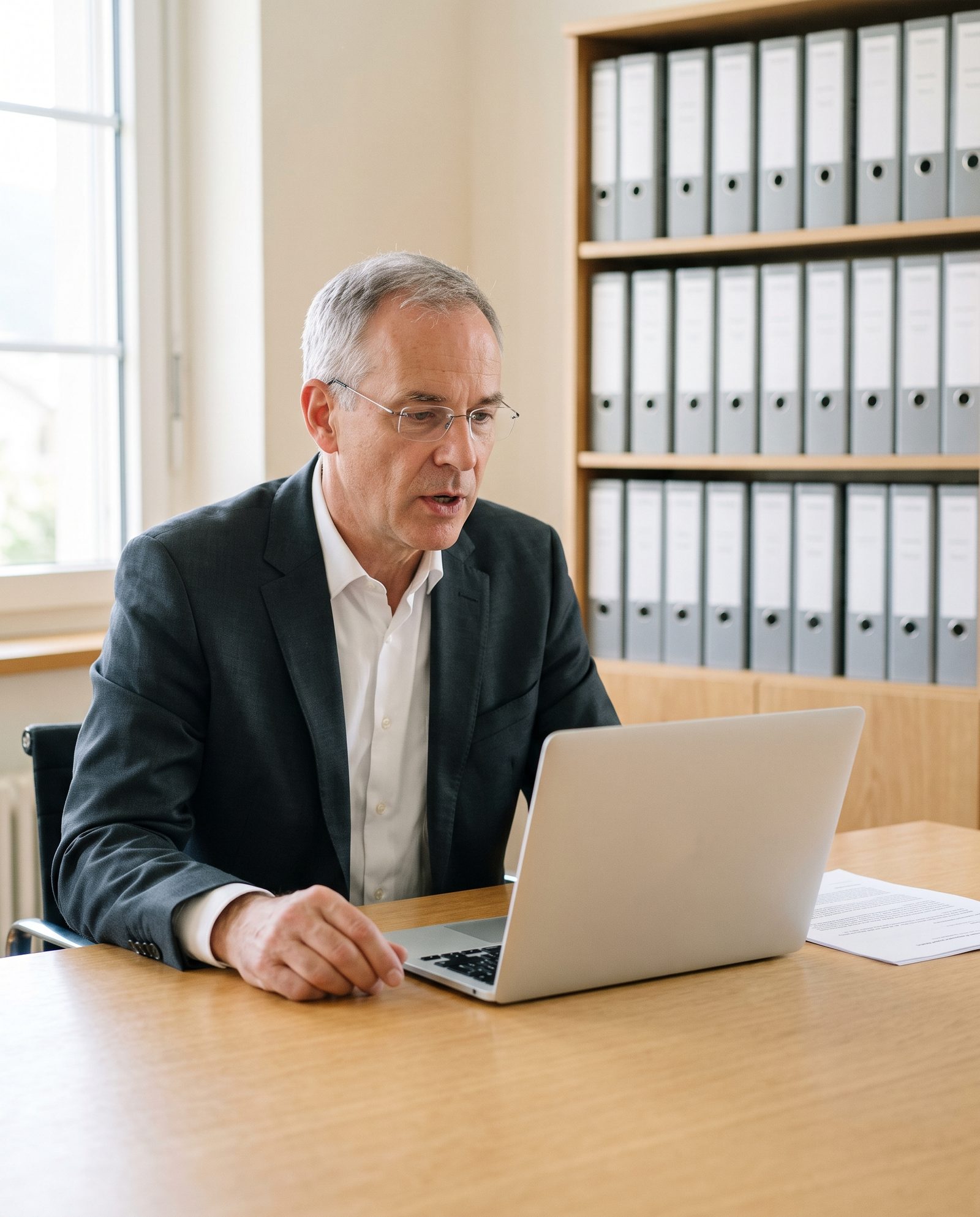
Lawyers, doctors and everyone bound by professional secrecy dictate all day — yet client and patient data has no place in someone else’s cloud. Outspoken turns your voice into text right on your Mac. What you say stays there.

Law firms & notaries

A lawyer dictates at her desk, a case file in her hand.

Dictate briefs, file notes and client emails. Privileged information stays where it belongs: on your Mac.

Medical practices & therapy

A family doctor dictates his report after the appointment; in the background, the patient is putting on her coat.

Dictate reports, referrals and session notes. Patient data goes to no server — not even ours.

Fiduciaries & finance

A fiduciary dictates a meeting note while a couple arrives at the office in the background.

Client letters and meeting notes in minutes instead of hours — as discreet as a conversation behind closed doors.

Development & IT

A developer dictates at her laptop, next to a monitor full of code.

Dictate comments, commit messages and tickets — right where your cursor is; in your editor, if you like, straight as an English code comment. What you say about client projects stays on your Mac.

Just as confidential

A journalist wearing headphones works on an interview recording.

Journalism & research

Transcribe interviews and recordings from audio or video files. Your sources stay protected.

An HR manager dictates the minutes after a staff appraisal.

HR & leadership

Capture appraisals, minutes and sensitive emails without anything leaving your desk.

A civil servant dictates in his office overlooking an old town.

Public administration

Dictate minutes and rulings where data must not leave the building.

  • No cloud, no account
  • Works offline once set up
  • Your own dictionary for technical terms
  • Swiss German, Swiss spelling

04VoiceLock

Your voice is the key.

Our own technology, built into Outspoken: think of a bank vault that opens to its owner's voice. After a short setup, VoiceLock knows your voiceprint — learned entirely on your Mac — and recognizes you as you dictate. With your voice profile, VoiceLock keeps checking while you dictate whether it hears your voice: the live indicator stays white for another voice and turns red for music. If someone else is talking too, VoiceLock separates your voice and writes your words; if it isn't sure it's you, Outspoken may put the text in History instead of inserting it. In noisy rooms a neural source-separation model extracts your voice from the mixture before transcription; clean recordings skip all of it and stay instant.

What gets written

Findings: patient free of symptoms. Follow-up in three months.

Nothing inserted.

Your voice: the waves are green, and your text is written.

VoiceLock — a dark vault door with a green voice waveform flowing from its lock into the word VoiceLock

How the lock works

voiceprint
Trained once, stored as numbers on your Mac. Deletable anytime — it never leaves the machine.
verification
Every dictation is checked block by block against your personally calibrated threshold.
extraction
With noise or other voices present, your voice is separated out of the mix before transcription.
live indicator
Green waves while VoiceLock recognizes your voice; white for another voice, red for music — with a short note on what it hears.

05Every app

If you can type there, you can speak there.

Outspoken types wherever your cursor is — in Mail, Teams, Safari, in notes and editors, in any text field — and, if you like, matches the register of the room: full sentences in email, loose in chat, a tidy comment in your editor.

  • Macavailable now
  • iPhonein TestFlight

One voice. Two Apple platforms.

On Mac, Outspoken types into the app in front of you. On iPhone, dictate in Outspoken or use its keyboard in Messages, Mail and wherever you write. Transcription stays on the device on both.

  • Dictate across appsThe Outspoken keyboard carries your on-device dictation into the text field you are using.
  • Swiss GermanAvailable as a real language profile on Mac and iPhone.
  • Live interpreterHave a two-way translated conversation directly on your iPhone.
Download for macOS Available now
iPhone beta · in TestFlight

06Built-in local AI

Local AI, built right in.

Outspoken cleans up grammar, removes fillers, formats and restyles your words directly on your Mac — no Ollama, LM Studio or separate server setup required. The engine ships with the app; download a model once, then keep everything local. Already run your own AI? Connect that instead. Prefer verbatim? Switch rewriting off.

Outspoken · Settings

Transcription

ModelFrom small and fast to large and especially accurate
Small model · 490 MB

Rewriting

ProviderCleans grammar, punctuation & tone
Built-inCustomAI off
Model
Medium model · 16 GB+
ready · on-device

Network

Non-local endpointsRefused by default. Your own server needs your explicit approval — and is limited to exactly that one host.
refused by default
  • No separate AI app

    The local engine ships with Outspoken. Download the model you want once, then work offline.

  • Models are files, not subscriptions

    The models live as files on your Mac. Swap or delete them anytime — downloads happen right in the app, and every file is checked automatically.

  • Raw mode

    Turn rewriting off for verbatim transcripts — quotes, minutes, legal.

07The details

For everyone who dictates regularly.

Outspoken features
FeatureIncluded
Dictation
App-aware toneMail comes out professional, Slack stays casual, your editor gets a code comment — picked from the app in front. One toggle turns it on.
Formatting commands“New paragraph.” “Bullet point.” “Question mark.” Structure and punctuation are spoken, not typed — in English and German.
Raw transcript modeOne toggle for verbatim output — every word as said, no model in between.
Languages
Swiss GermanSpeak Swiss German. Outspoken understands you and writes Standard German, with Swiss spelling (ss instead of ß).
Translate while dictatingDictate in German, English lands. Other target languages (French, Spanish, Italian, …) use your local AI model — all on this Mac.
Your words
Custom dictionaryTeach it “Kubernetes”, “Priya”, “PostgREST” once. Lives with your snippets in one local JSON file you can edit by hand — changes apply instantly.
Voice snippetsSay “insert my address” and the whole block lands — sign-offs, links, canned replies. Snippet contents never reach the AI server.
Privacy and security
Secure fields stay off-limitsWhen macOS flags secure input — password fields, login prompts — nothing is typed or pasted. Ever.
Clipboard-safe insertionThe text lands at your cursor in one go. Outspoken then restores your clipboard.

08Download & buy

Outspoken — for Mac and iPhone.

The same private foundation, shaped for how each Apple platform works. Get the Mac app today; the iPhone beta is already in TestFlight.

macOS Available now

Outspoken for Mac.

Try it free for 7 days, then

CHF 59per year

Every feature and every update included.

  • Runs as a subscription: billed every year, renews automatically.
  • Cancel any time. Your license stays valid until the end of the paid year.
  • macOS 14+ · Apple silicon (M1 or later)
Download for macOS

Outspoken-1.0.0.dmg · ~107 MB · 7 days free · no payment details · no account

iPhone In TestFlight

Outspoken for iPhone.

The iPhone app is already being tested through TestFlight. Dictate in Outspoken or use its keyboard across apps, with transcription and translation running on the device.

  • On-device dictation across apps
  • Swiss German
  • Live interpreter on iPhone

iOS 17+ · TestFlight beta · public release next

You’ll be taken to PayPal to pay. Your license key arrives by email at your PayPal address. By buying, you accept our terms.

09Questions

Common questions.

How is Outspoken different from cloud dictation services?

Cloud dictation services send your audio to their servers for transcription and cleanup. Outspoken does the same job — hotkey, polish, every app — with models that run on your machine. No audio, text, or context ever reaches us — what you say never leaves your Mac.

Does it work offline?

Yes, on Mac and iPhone. Transcription runs in-process on the device; optional models stay local once downloaded. On the Mac, an activated license keeps working offline for up to 30 days; after that, Outspoken briefly needs a connection.

Where does the rewrite step run?

By default, on Outspoken's built-in local engine. If you choose your own endpoint instead, the transcript plus your style rules go exactly there. Snippet contents are swapped for placeholders before the request, so they never leave the app. Turn rewriting off and no request is made at all. Like any AI, the rewrite step can get things wrong — check important texts before you use them.

Which models does it use?

For speech recognition, you choose between several models, from small and fast to large and especially accurate. For rewriting, use one of the models that come with Outspoken, or connect your own running on your server. Everything downloads right in the app, and every file is checked automatically to make sure it is complete and unchanged.

Can it translate while I dictate?

Yes. On Mac, speak German and English comes out; other target languages use your local AI model. On iPhone, local translation profiles and a live interpreter cover supported language pairs without sending the conversation to us.

What does the Mac app require?

A Mac with Apple silicon (M1 or later) running macOS 14 or later; Intel Macs are not supported. The AI features need 8 GB of memory, the larger models 16 GB, the largest 32 GB. The default small model (~490 MB) decodes well over 30× realtime in our M-series measurements; lighter and larger models are one click away in Settings.

Is Outspoken available on iPhone?

Yes — the iPhone app is currently in TestFlight on iOS 17 and later. Its public App Store release is coming soon; the Mac app is available to download today.

What about Windows or Linux?

Outspoken is focused on Mac and iPhone today. Windows and Linux remain on the roadmap.